Labels such as “local-first” and “private by design” are not enough to decide whether an app is suitable for sensitive material. The practical question is: during a particular operation, what leaves the device, who receives it, and which setting changes that path?
Ordinary capture, iCloud sync, AI, transcription, and MCP follow different paths in OrbNote. Treating them separately gives a more accurate picture.
The data-flow map
| Operation | What happens locally | What may leave the device | Recipient |
|---|---|---|---|
| Create an ordinary note | Write to Core Data and attachment storage | Notes and attachments when iCloud sync is enabled | The user's private Apple CloudKit database |
| AI Save | Keep the original input and saved result | Current input, routing context, and up to three eligible images as request content | OrbNote's AI service chain and its model provider |
| AI Organization | Save the suggestion and acceptance state | Current message, source and time, attachment names/types, existing transcript or image description, and existing group/Thread names | OrbNote's AI service chain and its model provider |
| Image OCR | Process with Vision on a supported device | OCR itself does not require an OrbNote AI request | No OrbNote AI recipient |
| WhisperKit transcription | Process audio with a downloaded model | Model-download traffic; audio remains local during transcription | The model download source |
| Apple Speech transcription | Invoke system speech capabilities | Online recognition may be used depending on OS, language, and available capability | Potentially Apple's speech service |
| MCP access | OrbNoteMCP reads App Group data | Tool results pass over stdio to the MCP client | Determined by the client and model configuration |
| Subscription and AI authentication | Store StoreKit state and temporary credentials | Purchase-verification data; AI authentication sends a transaction credential and installation identifier to the gateway for a temporary token | Apple and OrbNote's AI authentication service |
This distinction matters. “OrbNote does not operate a database that hosts ordinary note content” is a meaningful architectural boundary. “The app never communicates with a server when AI is off” is not accurate when iCloud, Apple Speech, or subscription verification is in use.
Ordinary notes: local Core Data plus private CloudKit sync
Messages and attachments are stored on the device first. When the CloudKit-backed store is active, NSPersistentCloudKitContainer syncs changes to the private database associated with the current iCloud account. Other devices merge those remote changes.
The accurate path is:
OrbNote data on the device → private Apple CloudKit database → your other devices
CloudKit is still a cloud service. “Private” means the records live in the user's private CloudKit scope rather than being publicly readable or stored in an OrbNote-operated content backend. Sync security also depends on Apple ID security, device lock state, OS protections, and Apple's platform controls.
AI runs on demand, but a request contains more than one sentence
OrbNote does not use AI as a background scanner of the whole notebook. AI Save and AI Organization send requests when the user invokes or enables those features and the account meets the required plan and settings.
However, “only the current operation” does not mean “only the text currently visible in the input field.” Choosing a destination requires routing context, including existing group and Thread names and sometimes the current Thread. AI Organization may send attachment names, types, existing transcripts, and image descriptions. AI Save may include eligible image bytes with the request.
Before invoking AI, check:
- Whether the current input contains material you do not want a model service to process.
- Whether an image contains notifications, identity documents, or unrelated private details.
- Whether group and Thread names reveal a sensitive subject on their own.
- Whether the attachment is necessary for the requested operation.
When AI features are not used, ordinary notes are not automatically sent to OrbNote's AI service simply because they might be organized later.
MCP: a networkless helper is not an end-to-end boundary
OrbNoteMCP on macOS runs in the App Sandbox. Its entitlement file declares the shared App Group and no network-client capability. It returns tool results to the process that launched it over stdin/stdout.
That design limits the helper's ability to connect out on its own. The boundary ends at the client: Claude, Codex, or another MCP client may send a search result to a remote model. OrbNote's sandbox cannot constrain a separate application.
Use least privilege:
- Leave
mcpAccessEnabledoff for unrelated Threads; new Threads start closed. - Allow only what the current task needs, then revoke access.
- Begin with list and search operations before allowing writes or reorganization.
- Evaluate the client's retention and model settings independently.
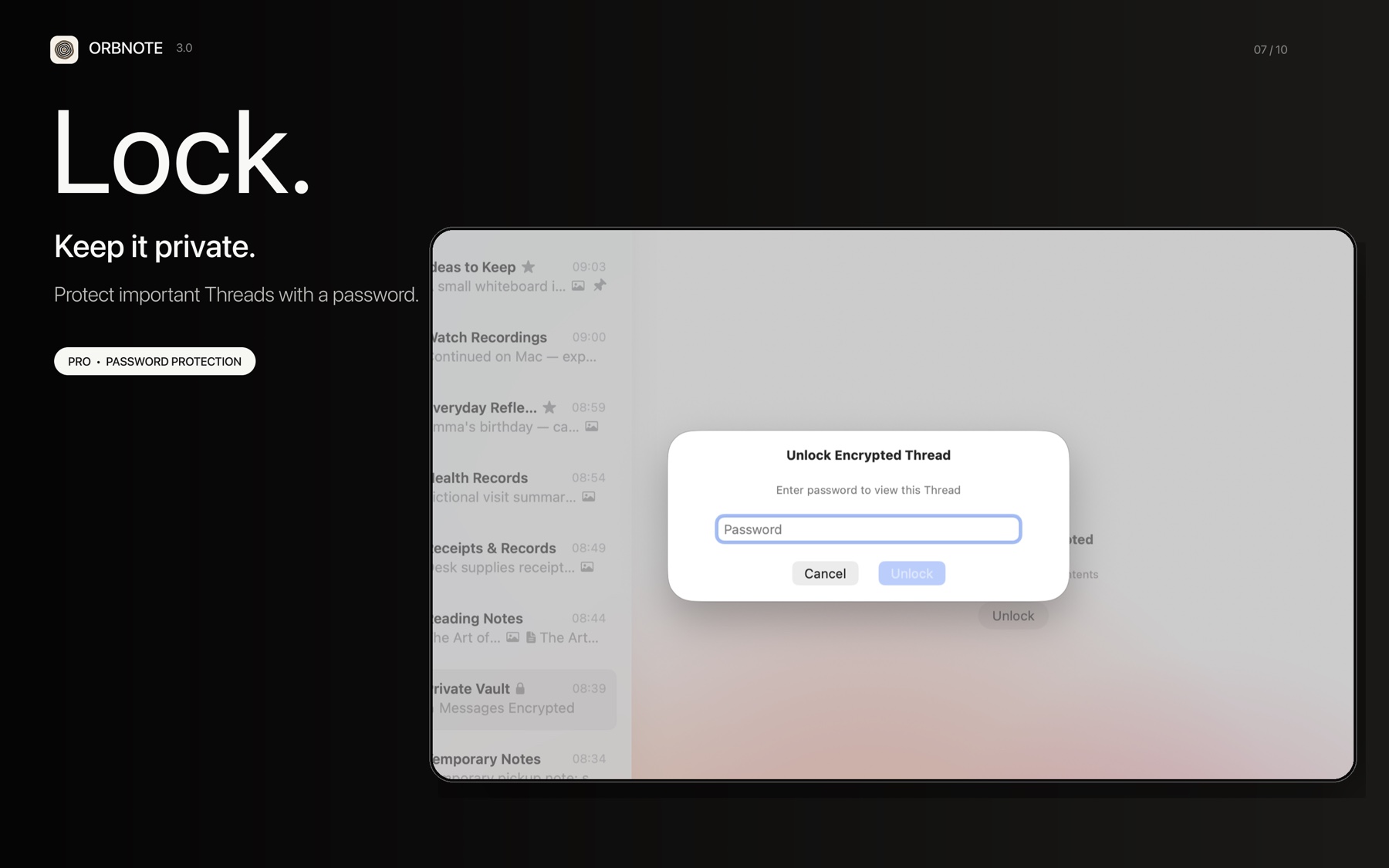
Thread passwords prevent casual viewing in the app
A password-protected Thread hides its body in the app, global search, and MCP content reads while locked. Unlock state is held in the process and resets after restart.
It is not application-layer content encryption:
- The password is currently stored as an unsalted SHA-256 digest.
- Message bodies are not encrypted with that password at the Core Data layer.
- Someone capable of reading the database file or a backup is not stopped by this UI password.
- It is not end-to-end encryption and should not be used as the only protection for high-value secrets or one-time codes.
The feature is useful against casual exposure: a colleague seeing a screen, a private Thread opening during a demo, or someone borrowing an already-unlocked device. It is not a defense against device forensics, malware, or a compromised cloud account.
Expiration reduces retention; it is not proof of secure erasure
Pro users can set a retention period on a Thread. OrbNote calculates an expirationDate when messages are created or moved. A background cleaner queries and deletes expired Core Data records every five minutes, and a policy change recalculates affected messages.
This lowers the chance that temporary material remains in the active store indefinitely. It should not be described as forensically verified erasure. Deletions still need to sync to other devices, and existing exports, system backups, client caches, or content previously sent to AI do not disappear when a local message expires.
What the current model protects—and what it does not
| Scenario | Current mechanism | What remains your responsibility |
|---|---|---|
| OrbNote operating a central store of ordinary note content | Local storage with private CloudKit sync | Apple ID and device security |
| Casual viewing inside the app | Thread password, search exclusion, relock on restart | Use a distinct password and lock the device |
| MCP reading unrelated Threads | Global switch plus per-Thread allowlist | Limit access and evaluate the client |
| Temporary messages remaining indefinitely | Per-Thread expiration and periodic cleanup | Do not treat expiration as secure erase or remote recall |
| A capable attacker reading the database, backup, or device | OS sandbox and device-level protections | OrbNote does not currently add application-layer end-to-end encryption |
| External processing of AI request content | On-demand calls scoped to the task context | Inspect input, attachments, and routing names before sending |
A practical privacy checklist
- If you do not need multi-device sync, decide whether you still want the iCloud path active.
- Prefer WhisperKit for sensitive audio instead of assuming Apple Speech is always offline.
- Check images and Thread names before an AI request, not only the text box.
- Use Thread passwords for day-to-day access control while remembering that they do not encrypt the store.
- Allow MCP access by task and revoke it when the task ends.
- Use expiration for retention hygiene, not for storing authentication secrets safely.
- Export material you need to control long term, then protect the export itself.
Privacy is not a slogan about who owns the data. It is a set of inspectable paths and limitations. Once you know which boundary each feature crosses, you can decide whether a particular piece of information belongs there.