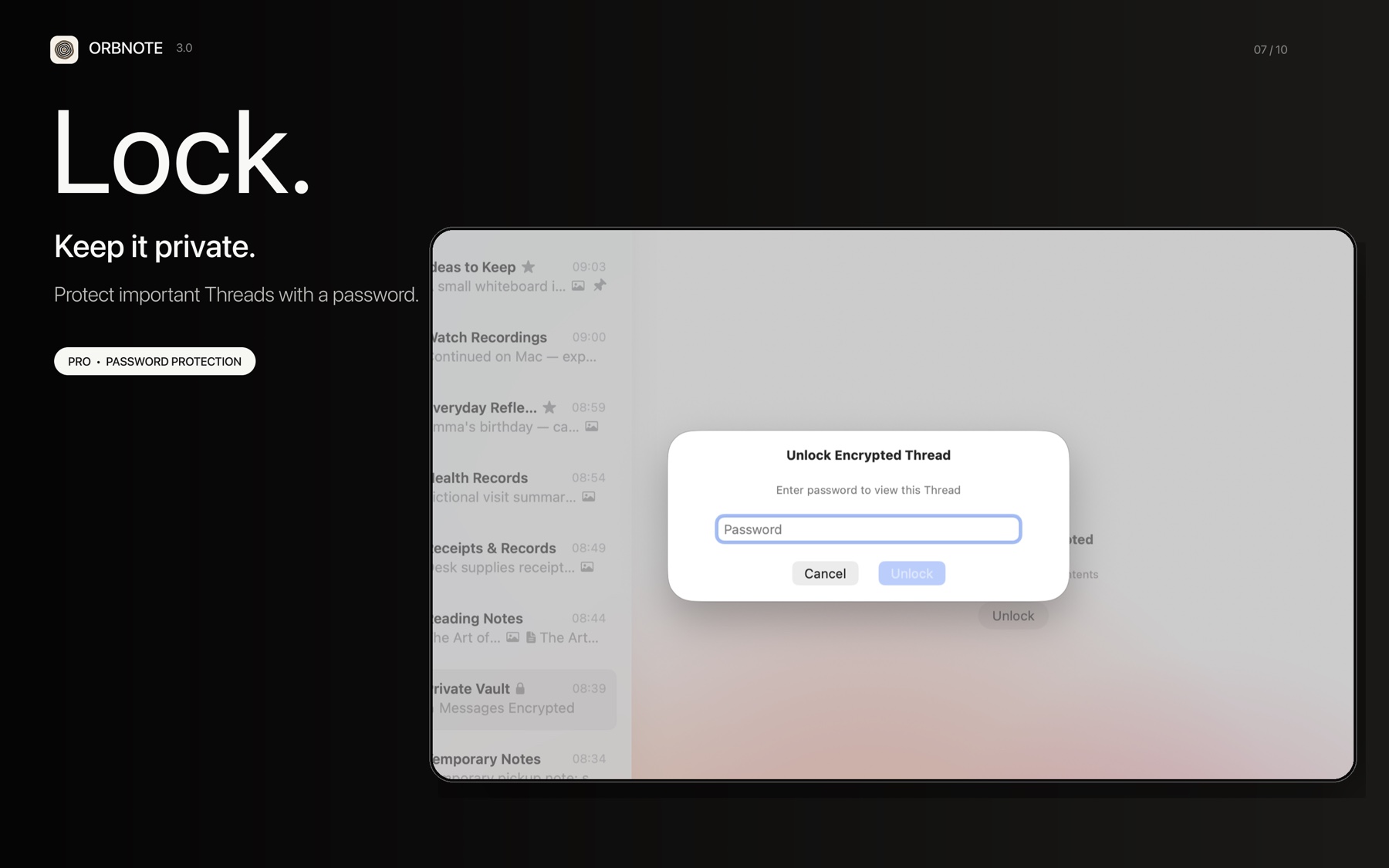
Thread password protection is an OrbNote Pro feature that prevents others from browsing sensitive Threads on the same device.
How it works
When you set a password for a Thread:
- The password is hashed with SHA256 and stored in the local database, syncing via iCloud.
- The Thread enters a locked state, showing a lock icon in the sidebar.
- You must enter the password to verify before viewing messages and attachments inside the Thread.
| Password protection does | Password protection does not do |
|---|---|
| Exclude locked Thread content from global search | Encrypt message content end-to-end |
| Isolate locked Threads in message lists and attachment queries | Encrypt attachment files themselves |
| Re-lock automatically after app restart | Prevent someone with database file access from reading content |
| Sync lock state across devices via iCloud | Add an extra encryption layer beyond transport security |
Setting and removing a password
- Open the Thread's inspector panel or settings.
- Choose to set a password, enter and confirm it.
- The Thread locks immediately.
- Removing the password requires verifying the current password first.
After unlocking, the Thread stays unlocked while the app is running. When you quit and reopen the app, the Thread re-locks automatically.
Limitations
Thread password is an access control mechanism, not content encryption. Be aware of the following:
- The password hash uses raw SHA256 without salt, so identical passwords produce identical hashes.
- Message content is stored as plaintext in the Core Data database.
- If someone gains direct access to the database file, both the password hash and message content can be read.
For stronger privacy, combine with Message expiration to auto-delete sensitive messages, or learn about Local-First and cloud sync for data storage details.