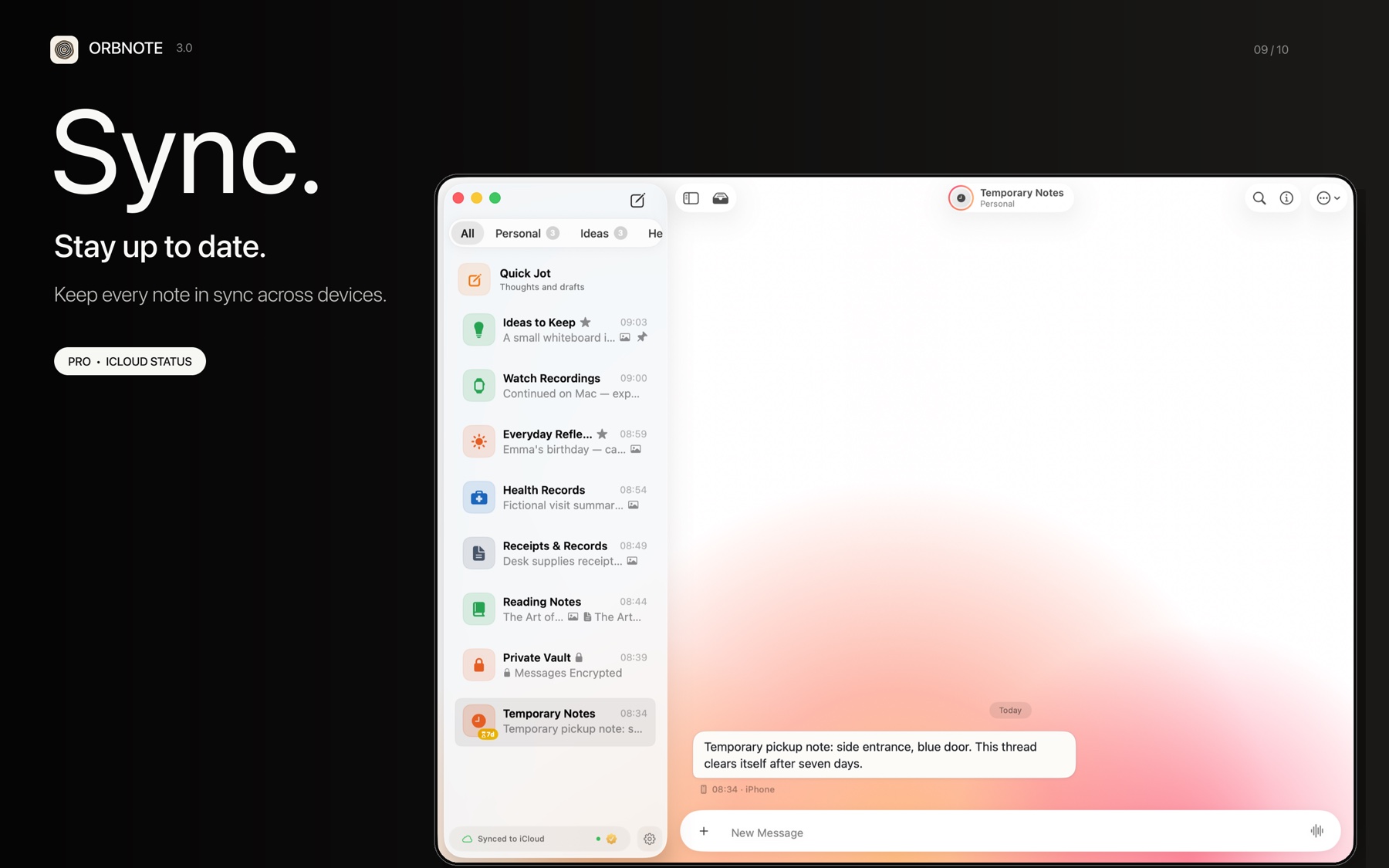
OrbNote uses a Local-First architecture. Data is stored on the device first and synced through the private Apple CloudKit database associated with the current iCloud account. Ordinary notes are not written to an OrbNote-operated content database, but CloudKit is still an Apple cloud service.
Where data is stored
| Data type | Storage location | Details |
|---|---|---|
| Notes, Threads, attachments | Device-local Core Data + iCloud private database | Does not pass through OrbNote servers |
| AI feature content | OrbNote AI backend (only when using AI) | Used for AI save and organization processing |
| Voice transcription | iPhone or Mac | WhisperKit uses a local model; Apple Speech processing depends on system capability |
How cloud sync works
OrbNote uses Apple's CloudKit framework for multi-device sync:
- Local write: Messages and attachments are first written to the Core Data database on the device.
- CloudKit sync:
NSPersistentCloudKitContainerautomatically pushes changes to your private iCloud database. - Incremental merge: Other devices receive remote change notifications and merge incrementally via Persistent History Tracking.
- History tokens:
NSPersistentHistoryTokenrecords the merge position, resuming from the last point next time.
| Sync characteristic | Description |
|---|---|
| Automatic | Runs in the background without manual action |
| Conflict handling | New-value-wins policy (NSMergeByPropertyObjectTrumpMergePolicy) |
| Retry on failure | Automatic retry with a 4-second delay |
| Sync alerts | Categorized alerts when sync anomalies occur |
Data flow for AI features
When you use AI features, some content is sent to the OrbNote AI backend:
- AI Save: Current input, group/Thread routing context, and eligible image content may be sent for processing.
- AI Organization: The current message, attachment summaries or derived text, and existing group and Thread names are used to generate a destination suggestion.
- Authentication: Uses subscription credentials to obtain a temporary access token with Bearer authentication.
When AI features are not in use, regular notes follow the local-first plus private CloudKit sync path and are not automatically sent to OrbNote's AI service.
Data export
OrbNote supports exporting Threads as Markdown files with attachment folders, and this is a free feature:
- Export format: Markdown + attachment folder + article folder.
- Attachments are saved with original filenames and time-prefixed.
- Exported files can be viewed in any text editor.
For more on privacy, read Thread password protection and Message expiration.