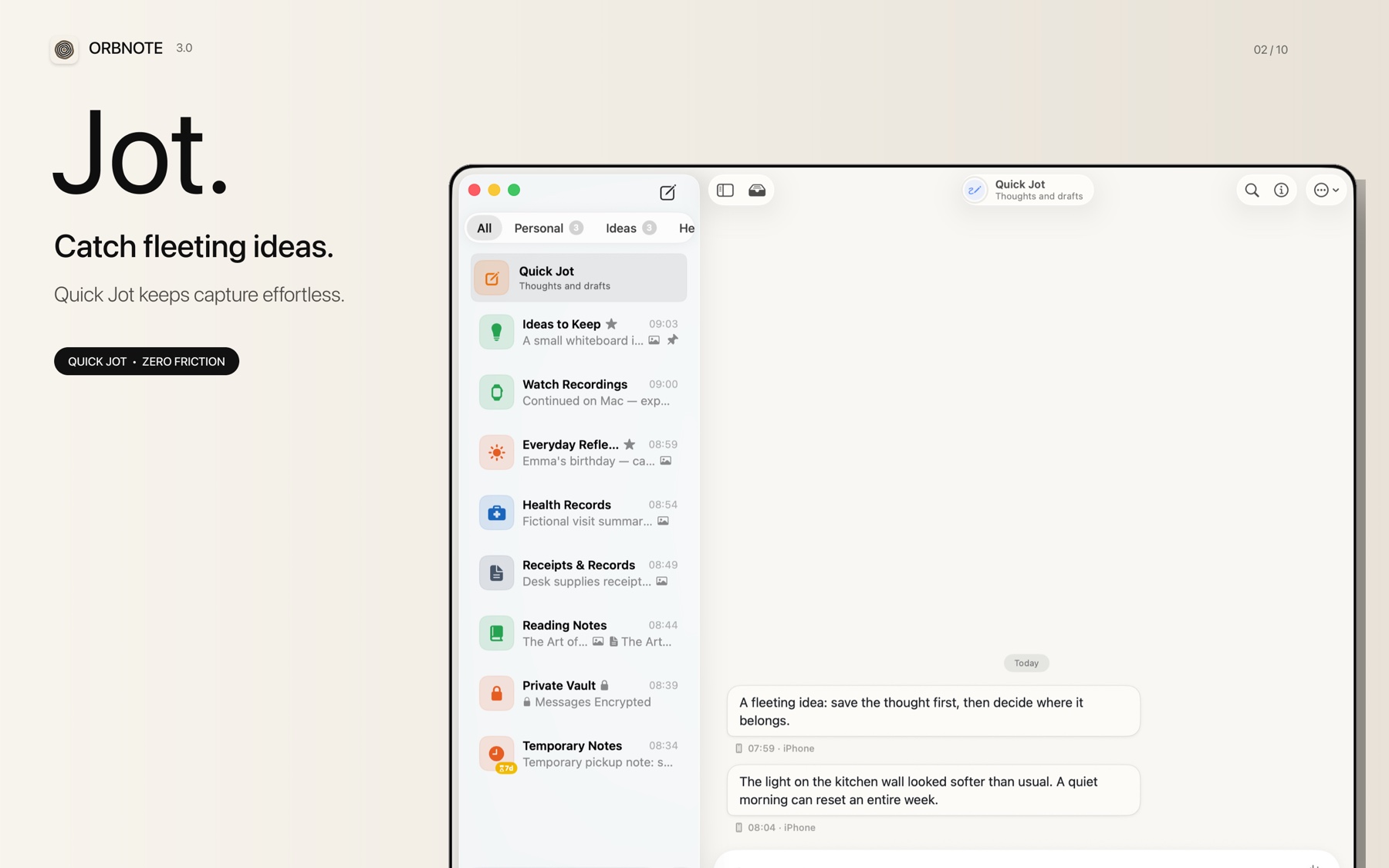
On Monday morning, you record a thought on the way to work: “The settings screen should not require people to understand sync before they have saved anything.” That afternoon, a colleague sends a screenshot. During testing the next day, you add a follow-up task.
These are not three documents. They are three pieces of one question, arriving at different times. Conversational note-taking is built for that pattern: save each piece as a message, keep related messages in one Thread, and organize the material when you need an outcome.
“Conversational” describes the structure, not a chatbot
The term borrows the familiar shape of messaging:
- Each entry can be short and does not need a title.
- New material appears in chronological order.
- A topic can continue across multiple messages.
- Text, images, audio, files, and checklists can share one context.
- Search can point to a specific message or attachment instead of an entire document.
A document assumes that the writer already knows what they are producing. A Thread allows the subject to exist before its final structure does. The two models complement each other: messages collect the material; documents present a conclusion.
Split note-taking into three actions
Capture often fails because one small input arrives with several filing questions: Which project owns it? What should the page be called? Which tags apply? Where will it live permanently?
A conversational workflow separates those decisions.
1. Capture only what is already clear
At this point, answer one question: what do I not want to lose? A sentence, screenshot, or 20-second recording is enough. If its destination is unclear, put it in Quick Jot.
2. Preserve the surrounding context
Context does not require a polished explanation. Time, neighboring messages, the original image, and the original recording all help. Tidying too early can remove the evidence that makes a fragment understandable later.
3. Organize when placement creates value
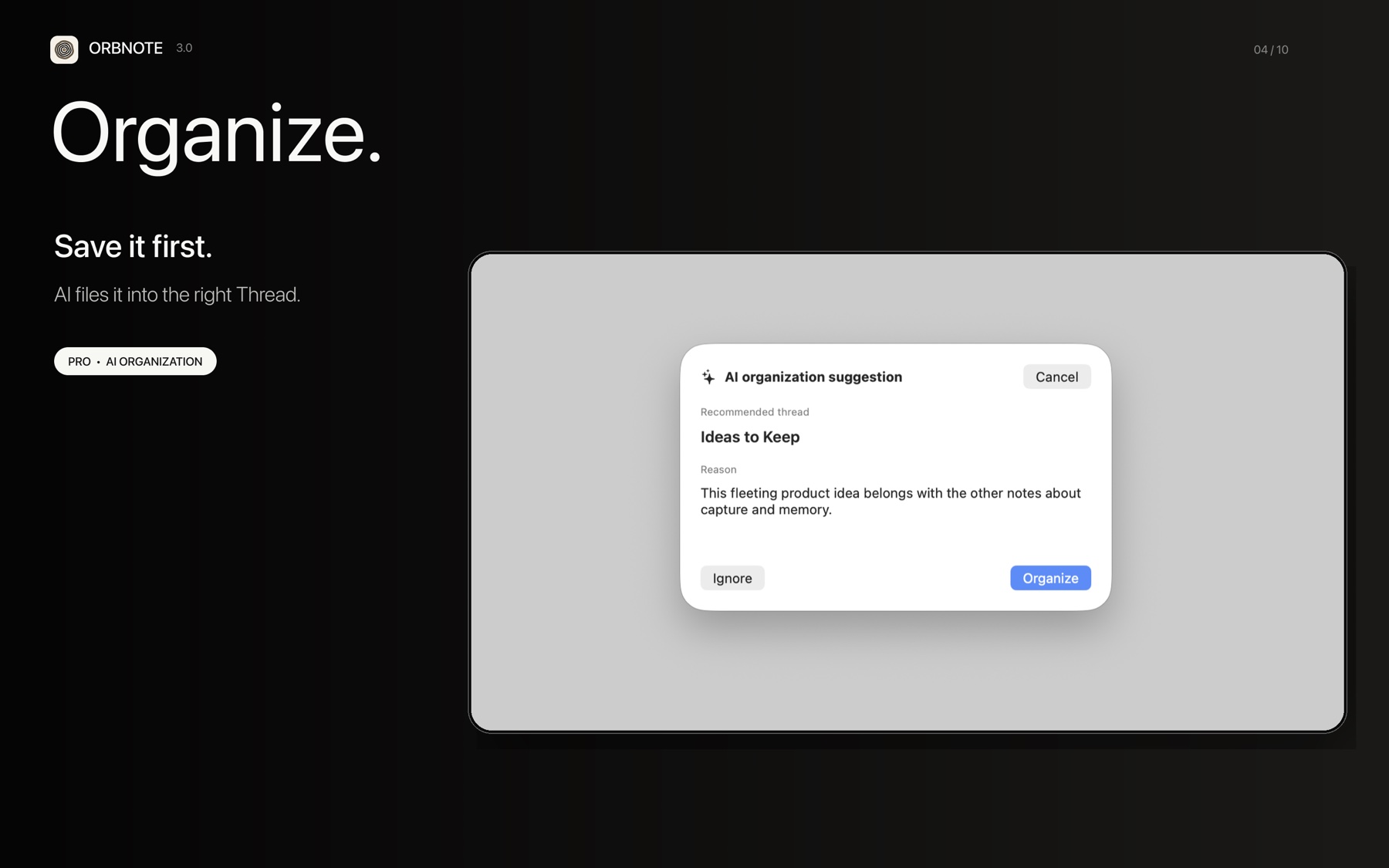
When a topic starts recurring, create a Thread or move the messages into an existing one. OrbNote's AI Organization can also suggest a destination. Ask mode waits for confirmation; Auto mode applies suggestions according to the behavior you selected.
One idea from capture to output
Suppose you are investigating how to shorten onboarding:
| Moment | What you save | Why this form works |
|---|---|---|
| During a commute | Voice: “The first launch explains too many concepts” | Preserve the judgment without waiting for a keyboard |
| During testing | A settings screenshot with an annotation | Keep the evidence close to the observation |
| After a discussion | Task: “Move sync education until after the first successful save” | Turn the idea into a next action |
| While writing the proposal | Summarize all three messages | Add document structure only when there is an output to deliver |
The messages do not replace the proposal. They prevent the proposal's source material from disappearing before it is ready.
Where conversational notes work best
They are particularly useful for:
- Topics that receive small additions throughout the day.
- Observations that combine words, images, files, and voice.
- Material worth keeping before its final destination is known.
- Things you remember by phrase, moment, or situation rather than file path.
They are not the right structure for everything. A relational database needs stable fields. An accounting ledger needs validation and totals. Long-form writing needs sections and revision. A complex project needs owners, dependencies, and schedules. Putting all of that in a message stream turns low friction into low structure.
Keep the stream from becoming another inbox
Capture first does not mean organize never. A practical maintenance rhythm is:
- Avoid classification while capturing.
- Once a week, review only recurring topics or items with a next action.
- Create Threads for those topics and move the relevant messages.
- Leave completed, searchable observations alone.
The goal is not to make every item look tidy. It is to make the next retrieval or action easier.
Save the evidence before choosing the structure
Conversational note-taking is not another classification system. It is a more forgiving order of operations: save information while it is available, preserve context as the subject develops, and introduce more structure when you need to publish, collaborate, calculate, or plan.
The benefit is concrete: fewer decisions at capture time, without giving up the ability to organize later.