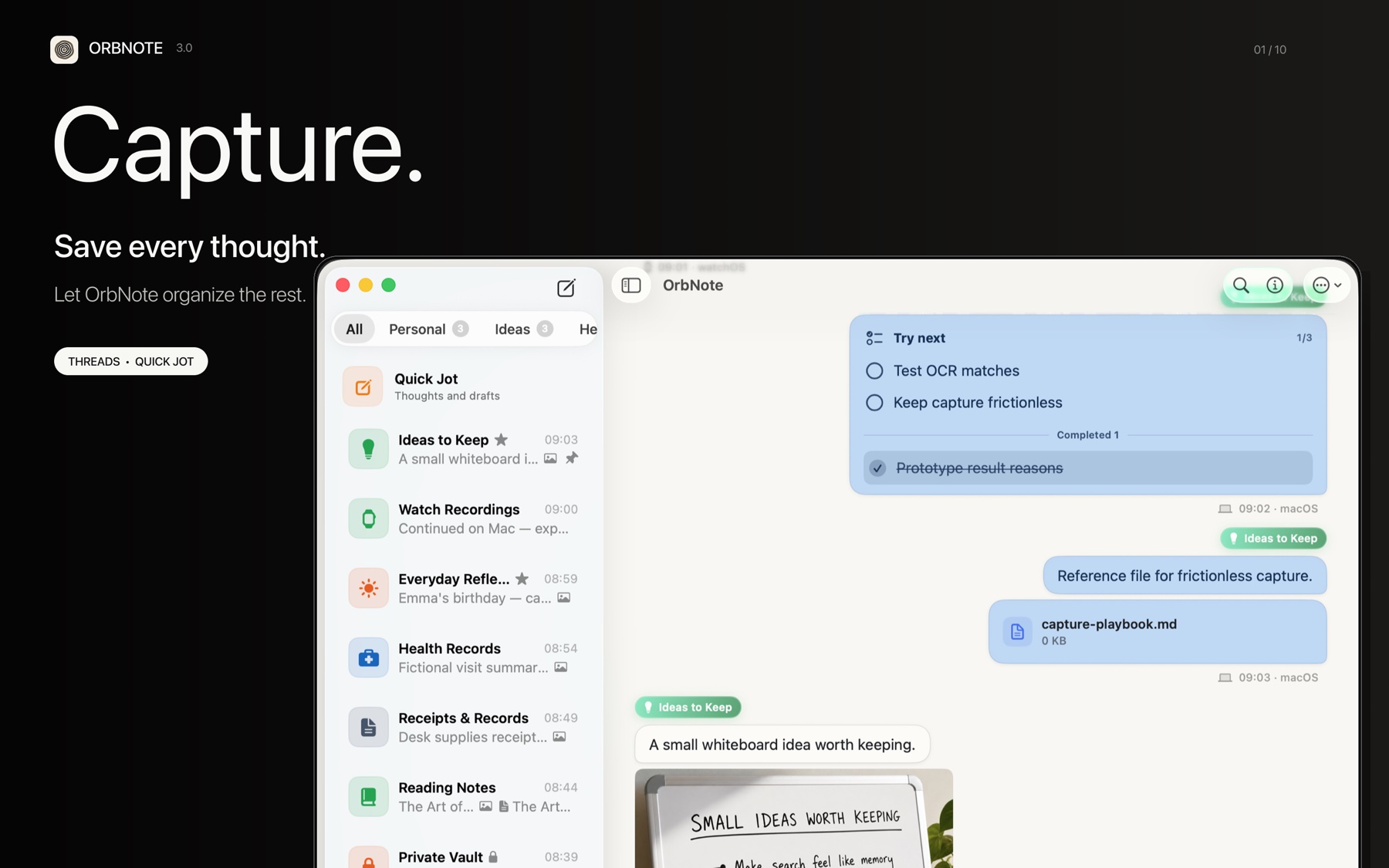
A Thread is the fundamental unit of organization in OrbNote. It works like a chat timeline where messages accumulate around a topic, without the need to set a document title or structure in advance.
Threads
Each Thread is a message timeline. You can keep adding text, photos, recordings, files, or checklists, with everything ordered by time.
| Action | Description |
|---|---|
| New Thread | Create a Thread from the sidebar and start writing immediately |
| Favorite and pin | Pin frequently used Threads to the top of the list |
| Archive | Move inactive Threads out of the main view |
| Set avatar | Add an icon to a Thread for quick recognition in the list |
Groups
Groups let you categorize multiple Threads. You can create groups by project, workflow, or any theme.
- Groups can be collapsed and expanded in the sidebar, arranged to your preference.
- A Thread can belong to one group, or to no group at all.
- AI Organization can suggest moving Quick Jot messages into a suitable group automatically.
Replies
A reply lets a new message quote an existing one, preserving discussion context.
- Select reply on a message.
- Type your follow-up and send it.
- The reply shows a summary of the quoted content for easy reference.
Replies do not create sub-threads or nesting. They only mark a reference within the same timeline, keeping the view clean.
From Quick Jot to Thread
If you are not sure which Thread an idea belongs to, capture it first in Quick Jot, then move it to the right Thread or get an AI Organization suggestion.
For forwarding, merging, and editing messages, read Message operations.