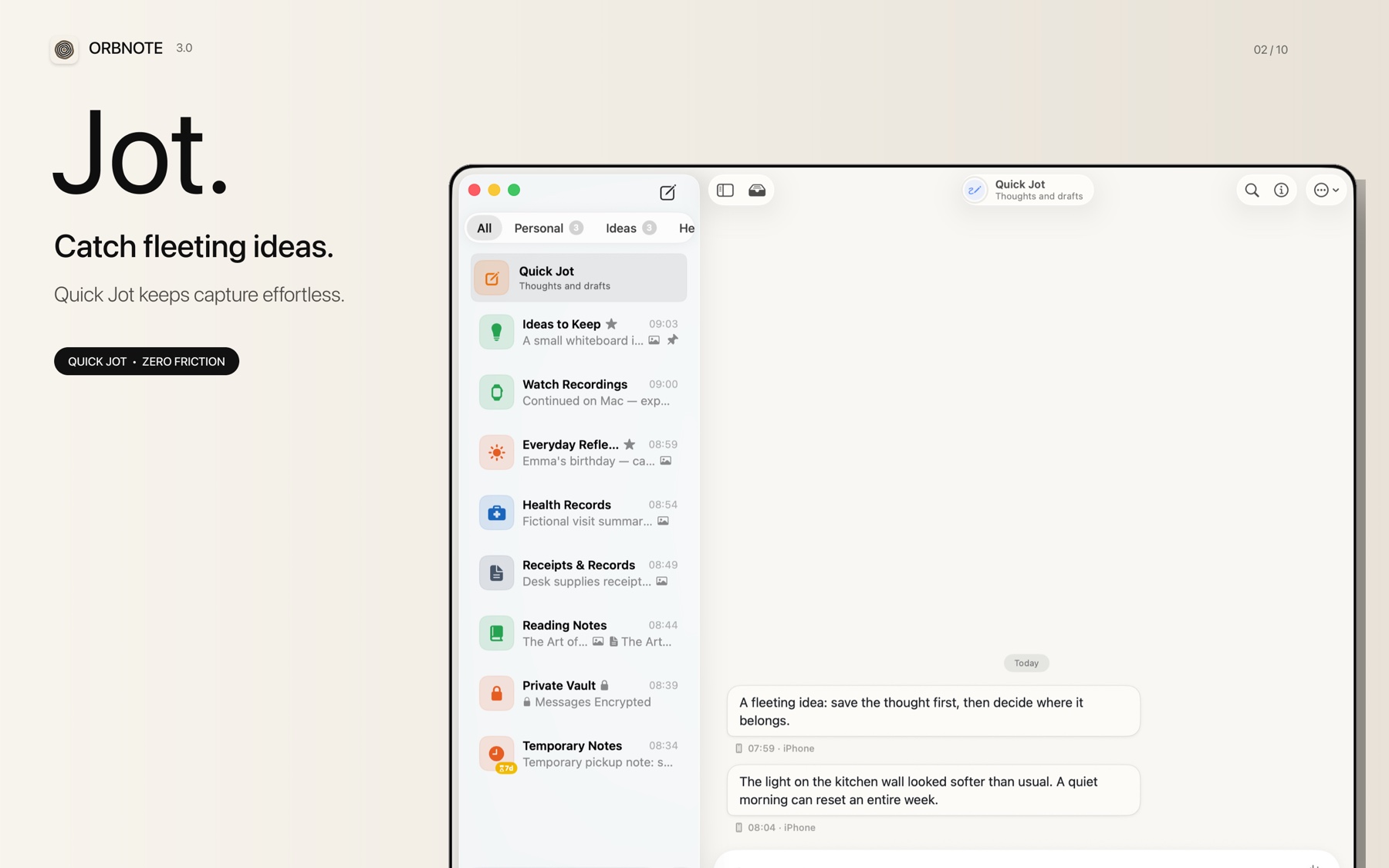
Quick Jot is OrbNote's built-in inbox. It is designed for moments when you want to preserve an idea without interrupting yourself to choose a Thread, title, or long-term structure.
When to use Quick Jot
Use Quick Jot for fleeting thoughts, temporary reminders, links, screenshots, voice notes, files, or small tasks that may become useful later.
| Situation | Recommended action |
|---|---|
| You know the final Thread | Add the message directly to that Thread |
| You only need to save the thought | Put it in Quick Jot |
| Several related ideas are emerging | Capture them first, then move or organize them together |
| The information is intentionally temporary | Consider a temporary Thread with message expiration |
Capture something
- Open Quick Jot from the OrbNote sidebar.
- Enter the thought, or add a supported photo, recording, file, or checklist.
- Send it. The item is saved immediately in the Quick Jot timeline.
- Continue adding context if the idea grows.
You do not need to create a document title or choose a destination before sending the first message.
Organize it later
When the destination becomes clearer, move the item into an existing Thread or create a new Thread. If you use OrbNote Pro, AI Organization can suggest a suitable Thread after capture.
For the thinking behind this workflow, read What is conversational note-taking?.
Good Quick Jot habits
- Capture the original wording before polishing it.
- Add enough context that the note will still make sense later.
- Review Quick Jot when it starts to feel crowded, not after every message.
- Keep durable topics in Threads and use Quick Jot as the entrance, not the final structure for everything.