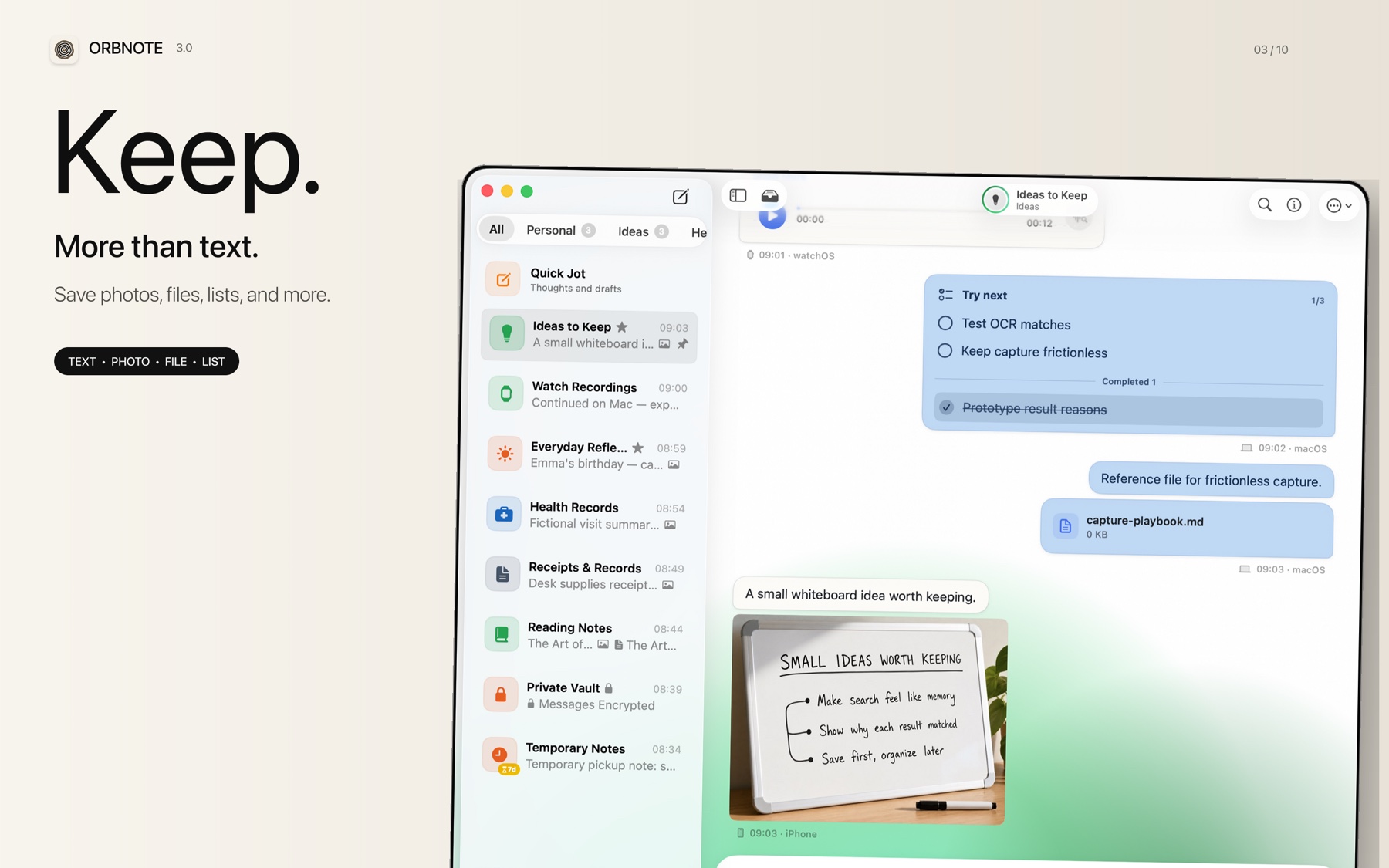
Messages remain editable after they are sent. OrbNote provides four operations to adjust the location and content of your records at different stages.
Editing
OrbNote has two editing entry points:
| Edit mode | When to use | Details |
|---|---|---|
| Inline quick edit | Short text bubbles up to 200 characters | Edit in place, Cmd+Return to confirm, Esc to cancel |
| Full editor window | Long text, checklists, messages with attachments | Paper-style editor, 5-second debounce auto-save, forced flush on close |
Inline edit has restrictions: it does not apply to checklists, audio messages, long text, or messages with structured content. In those cases, the app guides you to the full editor window.
An edited message is marked as edited with a recorded edit timestamp.
Forwarding
Forwarding copies one or more messages to another Thread.
- Forwarding creates new messages, preserving original attachment references and articles.
- The creation time updates to the forwarding moment, but metadata like source device is preserved.
- You can choose to delete the source messages after forwarding (similar to cut and paste).
Merging
Merging joins multiple messages into one, useful for consolidating scattered notes into a single entry.
- Select multiple messages and choose merge.
- Messages are sorted by creation time in ascending order, and content is joined with a separator.
- The new message retains all attachments and articles; source messages are deleted.
- If the merged message contains articles, it is automatically marked as long text.
Moving
Moving transfers a message from the current Thread to a target Thread directly.
- The original creation time and attachment references are preserved.
- Attachment references sync to the target Thread.
- Moving is suited for re-categorizing between Threads without altering message content.
Which operation to use
| Need | Recommended action |
|---|---|
| Fix a typo or add content | Inline edit or full editor window |
| Share a message in another Thread | Forward |
| Join scattered notes into one | Merge |
| Reclassify a message to the right Thread | Move |
For more on organizing Threads, read Threads, groups, and replies.